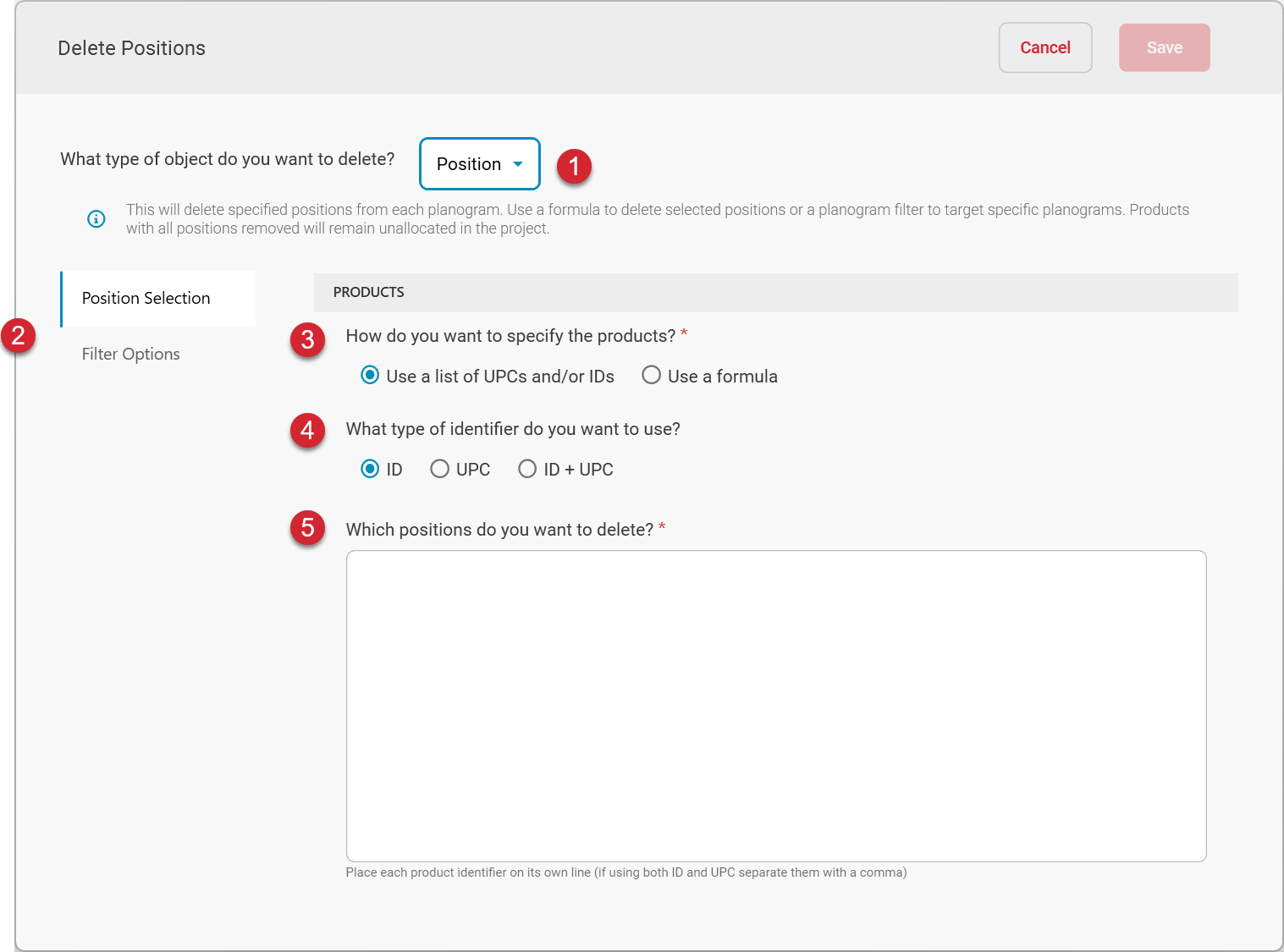
What type of object do you want to delete?
To delete positions, choose Position as the type of object to delete.Products
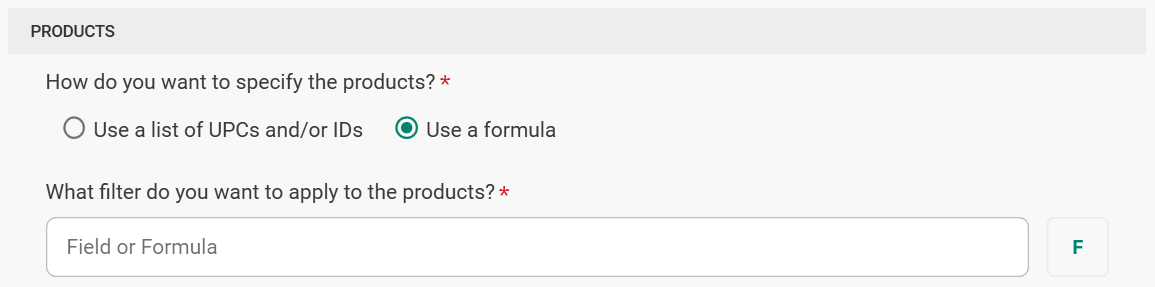
How do you want to specify the products?
To define the specific products whose positions are to be deleted, you can either provide a list of UPCs and/or IDs of the products of the positions to delete, or you can select based on a formula. For example, if you wanted to remove all positions belonging to a certain Brand from your planograms, you could write a formula indicating which brand has the positions to be deleted. Only the positions matching the formula would be removed from the planograms in the batch.Use a list of UPCs and/or IDs
This option allows you to paste a list of UPCs and/or IDs of the products whose positions are to be deleted.Use a formula