
Why you would use this feature
The vertical location of fixtures may not always match the Merchandisable Space settings of surrounding fixtures or vice-versa. This feature allows you to either move the fixtures vertically to adjust for the Merchandisable Space values of the fixtures or change the Merchandisable Space of the fixtures based on the vertical location of the fixtures.Feature Options
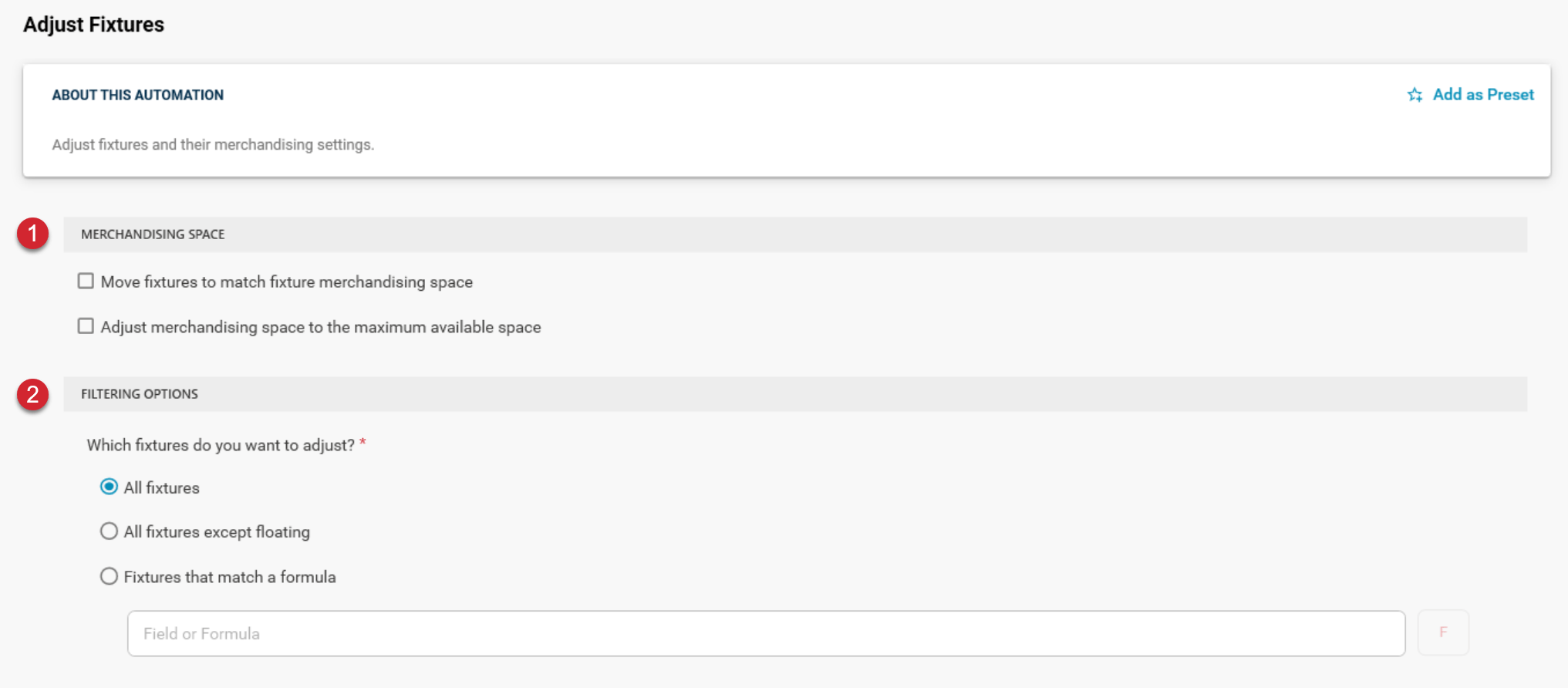

Move fixtures to match fixture merchandising space
This option will adjust the Y-coordinate location of each fixture based on the Merchandisable Space values of surrounding fixtures. For example, if a fixture has a Y-coordinate value of 40 and the height of the shelf is 1 and its merchandisable space is set to 10, when this option is run, the shelf directly above this shelf will have its Y-coordinate set to 51 (the Y-coordinate of the shelf below plus its height plus its merchandisable space value).Adjust merchandising space to the maximum available space
This option will adjust the Merchandisable Space value of a fixture based on the distance between it and the fixture directly above it.