
Logging In
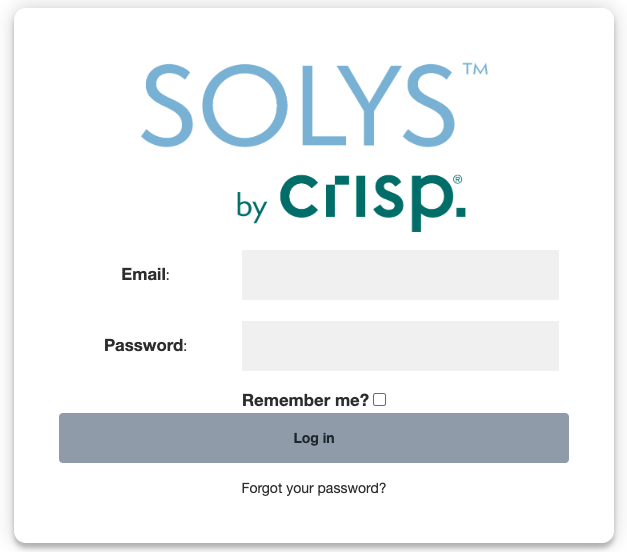
- Enter your email address in the login field.
- Enter your password.
- Optionally check Remember me? — only do this on your personal computer, not a shared or public one.
- Click Log in.
First-Time Login or Forgotten Password
- On the login screen, click Forgot your password?
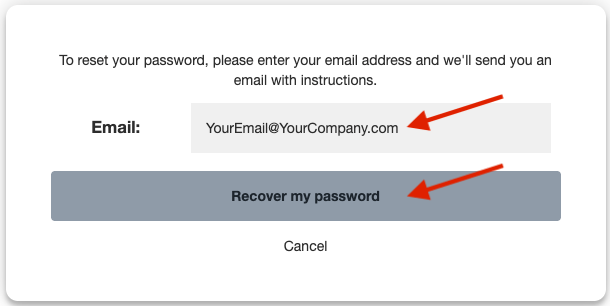
- Enter your email address and click Recover my password.
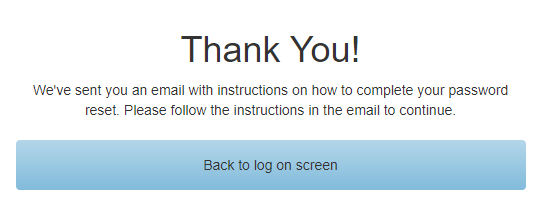
- You’ll see a “Thank You!” confirmation. Click Back to log on screen.
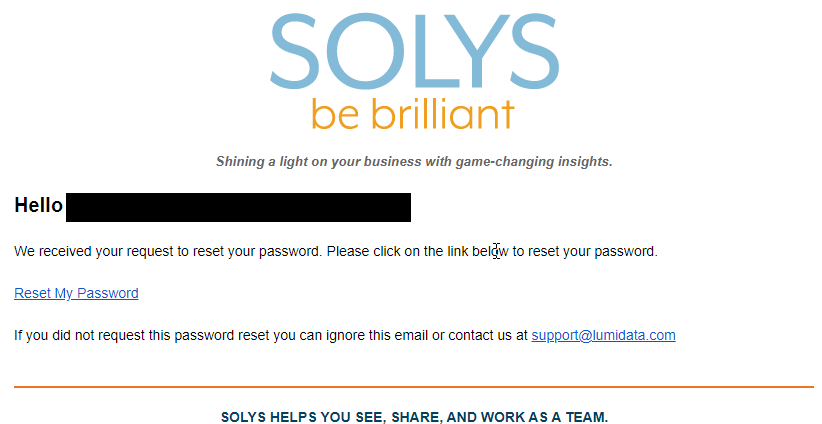
- Check your inbox for the password reset email and click Reset My Password.
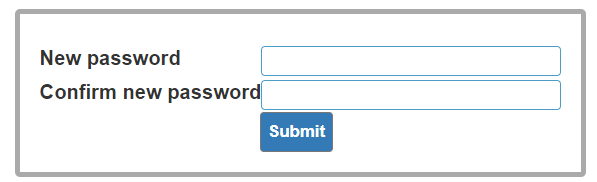
- Enter and confirm your new password, then click Submit.
- You’ll be returned to the login screen. Log in with your new password.