
Selecting Pages
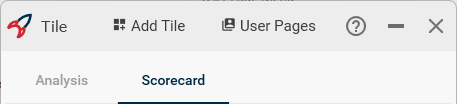
To select a User Page, click on the name of the User Page at the top of the Tile window. The Tiles contained on that User Page will be displayed.User Page Menu
New
New will create a new User Page in the existing Tile window. Enter the name of the User Page you want to create and click Accept to create the new page.Save As
Exports all User Pages and their Tiles to a file that can be shared with someone else.If any Tiles support a Double Click action, the file opened with the double-click will need to be present on any system the Tiles are shared with for the double-click action to work.