Documentation Index

Fetch the complete documentation index at: https://docs.gocrisp.com/llms.txt

Use this file to discover all available pages before exploring further.

Suppliers who sell through Hy-Vee have access to information about their accounts payable and inventory status through the Hy-Vee portal. By setting up a connector between Crisp and this portal, you can analyze the data using Crisp’s easy-to-use, actionable dashboards or feed that data into any data destination. To connect your Crisp account :
  1. Log into your Crisp account.
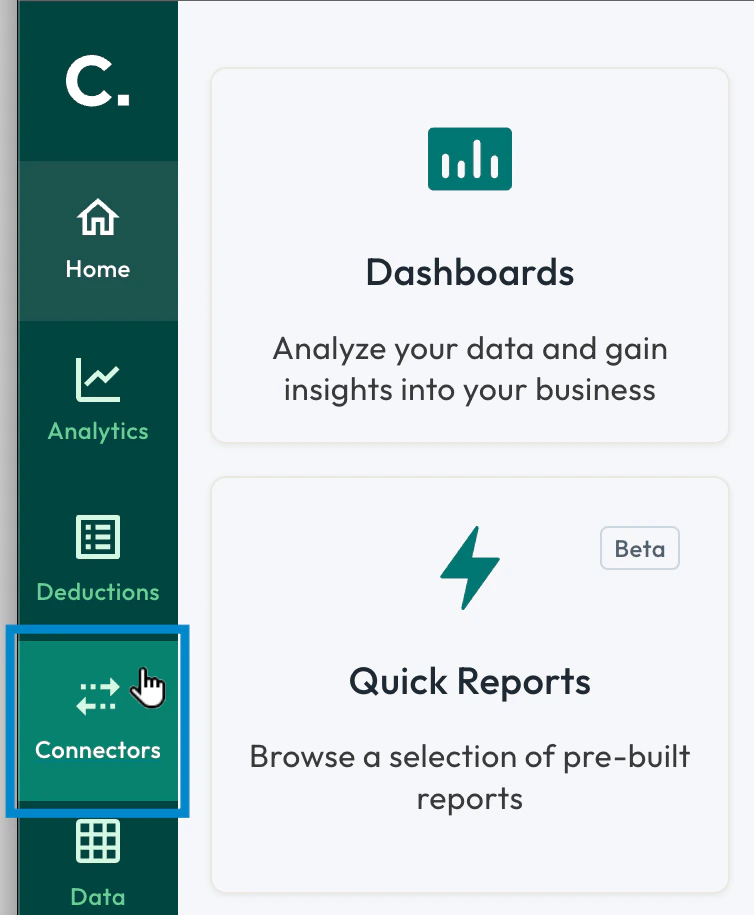
  2. From the main menu on the left side of the screen, select ****Connectors.\ main_menu_connectors.png
  3. Select the Add connector button.\ connector_setup_add.png
  4. Select the Hy-Vee connector tile.
Hy-Vee_Connector_Setup_001.png
  1. If you want, update the name for your connector, then enter your username and password for the Hy-Vee portal.\ Hy-Vee_Connector_Fields.png
  2. Select the Save button.\ connector_setup_save.png
A diagnostic checklist appears on the right side of the screen. Once all the items are complete, green check marks appear next to them and the connection is finalized.