- A Crisp account with the appropriate subscription level
- An Azure Blob Storage account
- SQL Server data Tools (SSDT) for Visual Studio to set up the data flow task
- SQL Server Management Studio for creating and managing your on-premises database
Example Setup
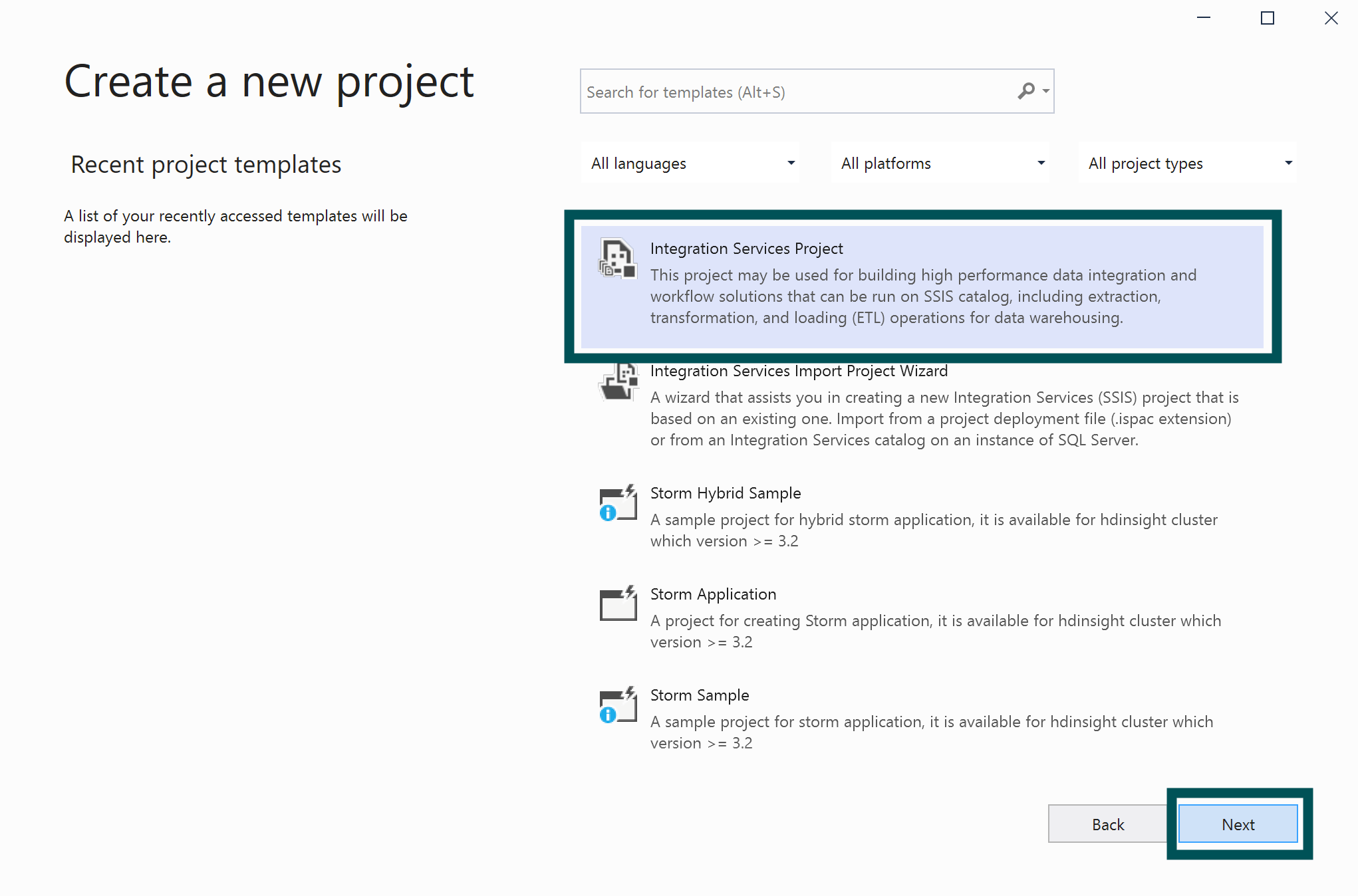
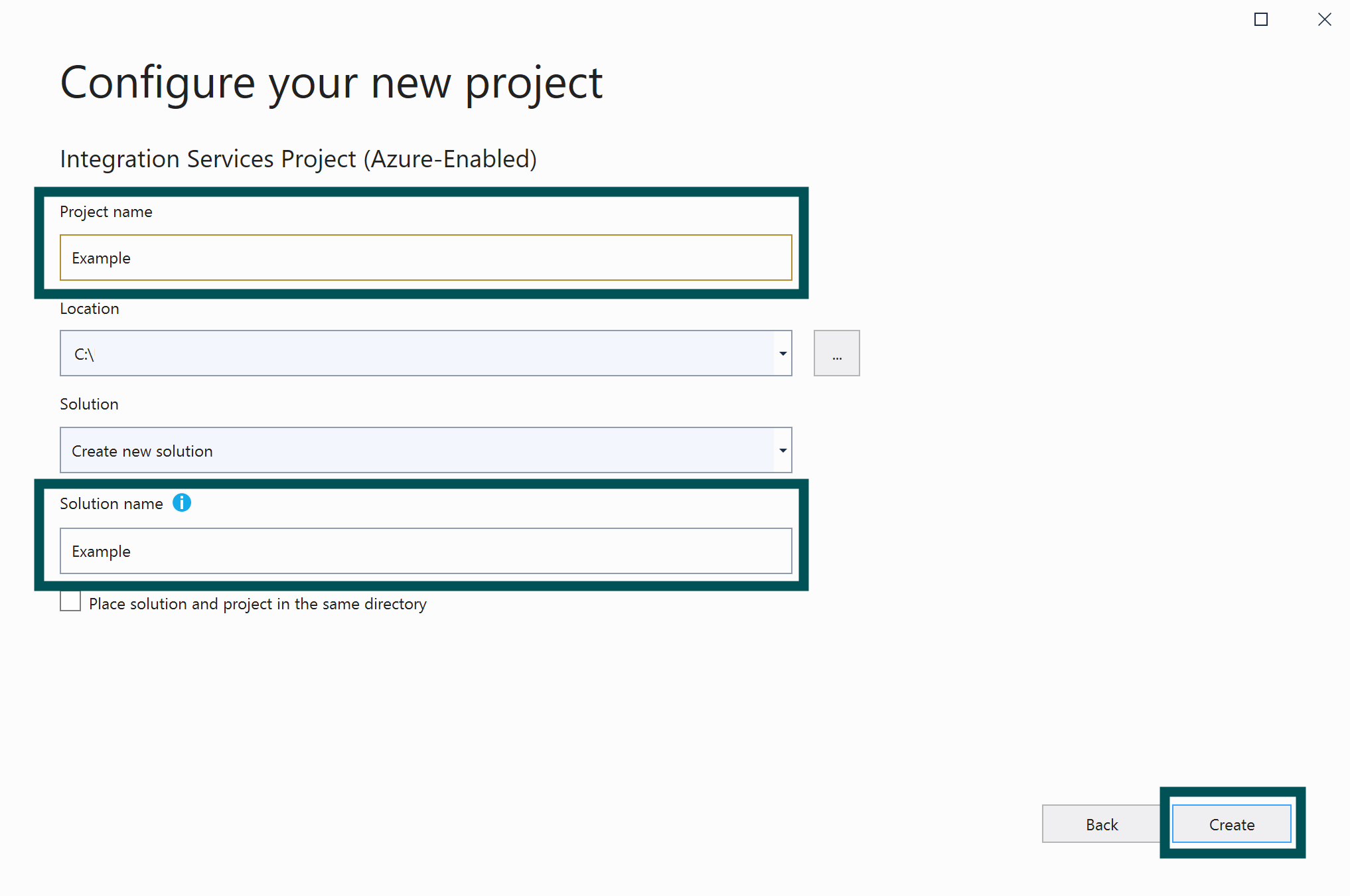
1. Make sure your connector is set up in Crisp. You can refer to our Azure Blob Storage connection setup guide if you encounter any issues. 2. Open SQL Server Data Tools (SSDT) for Visual Studio. 3. Click “Create a new project.”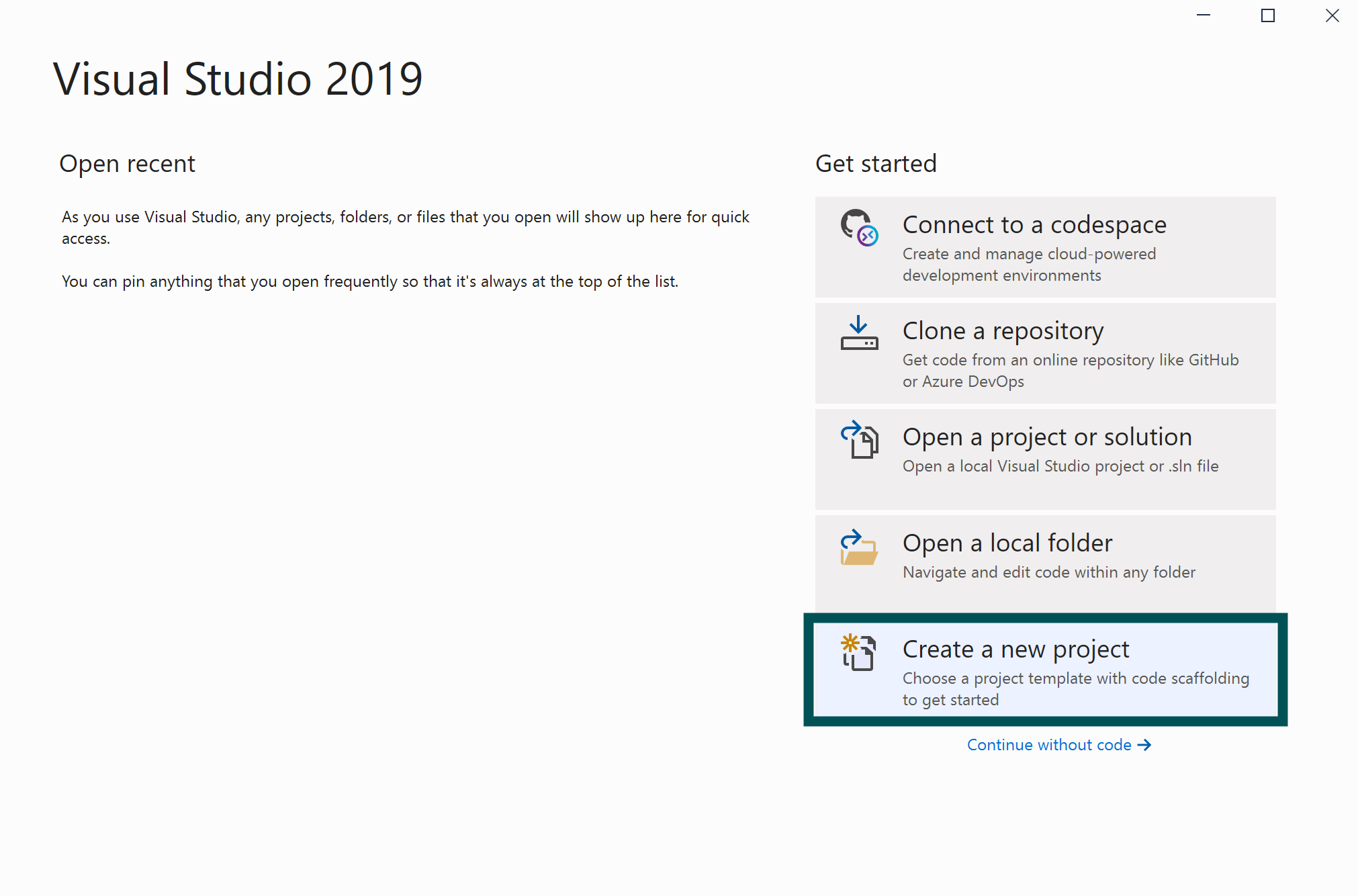
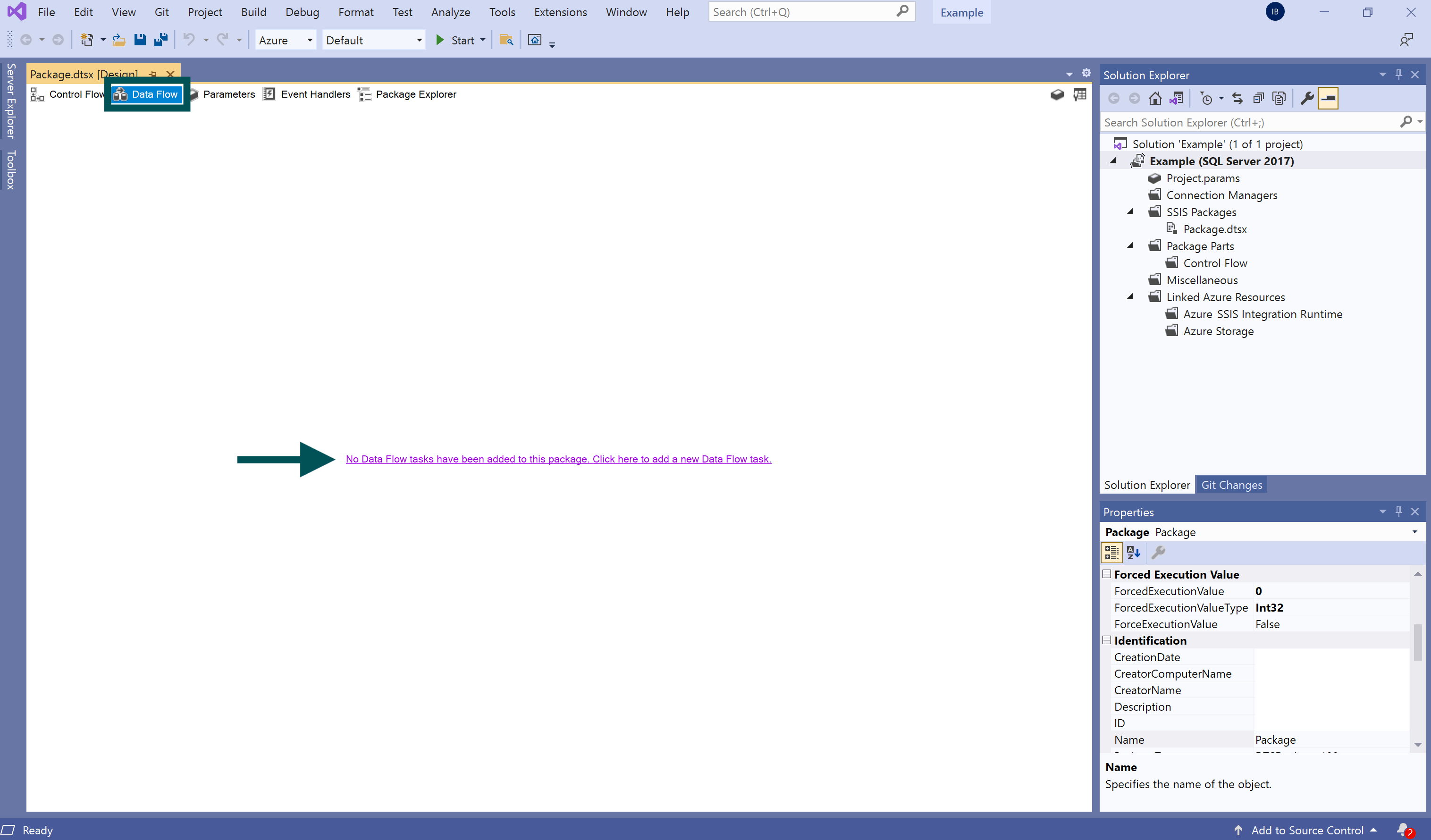
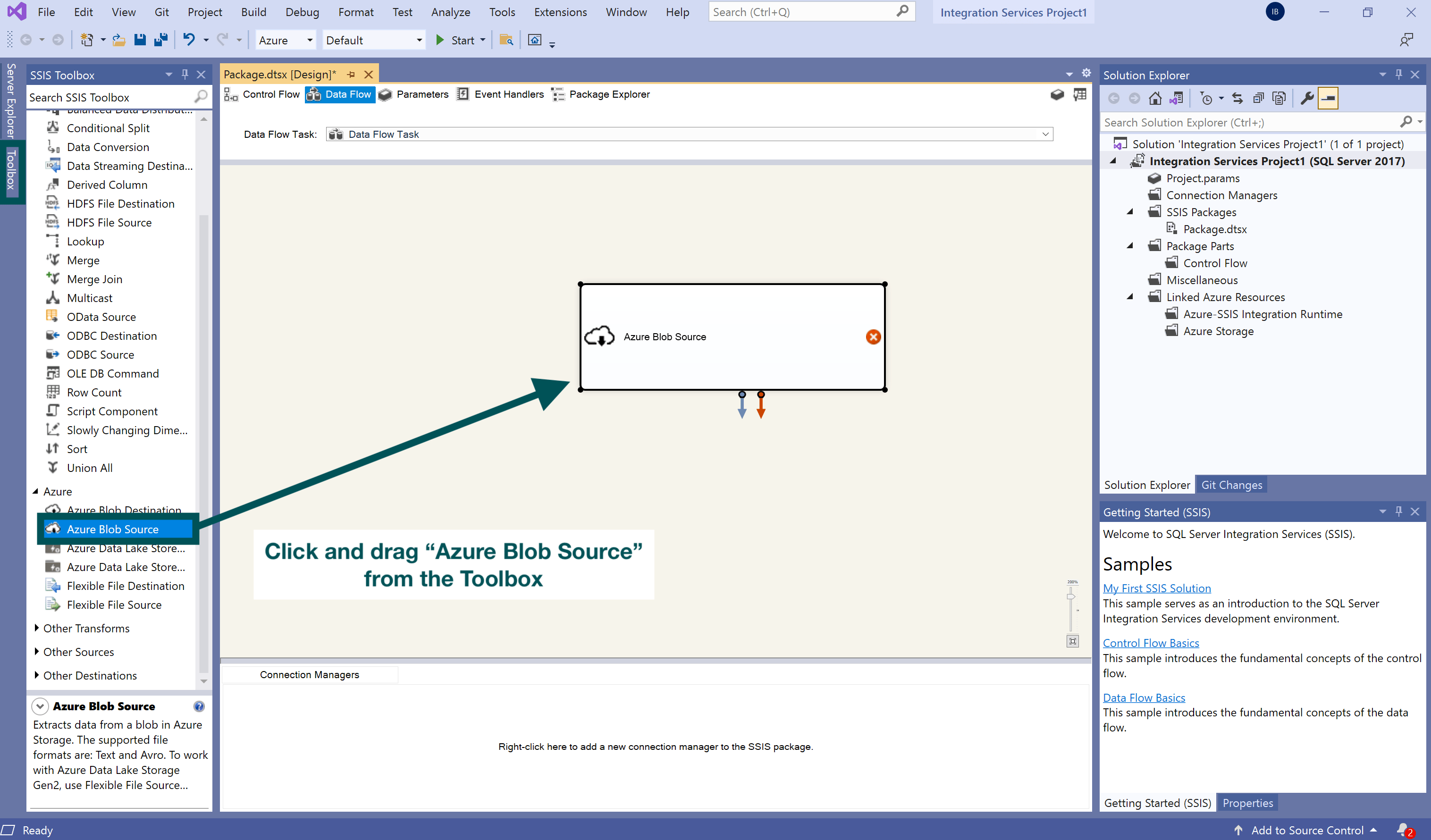
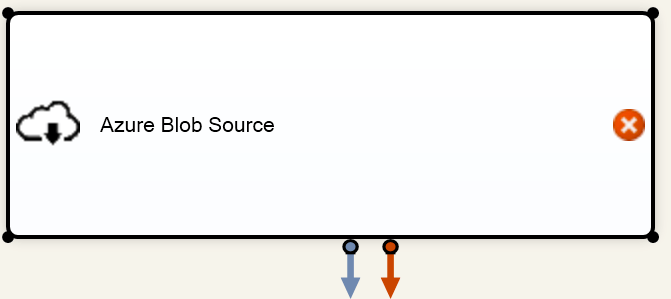
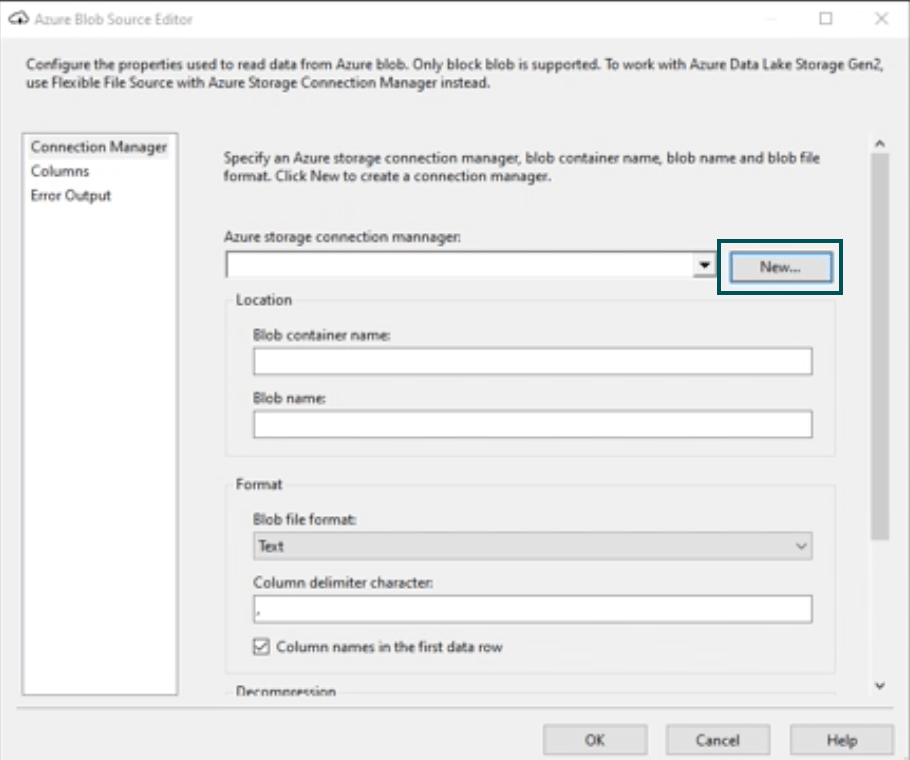
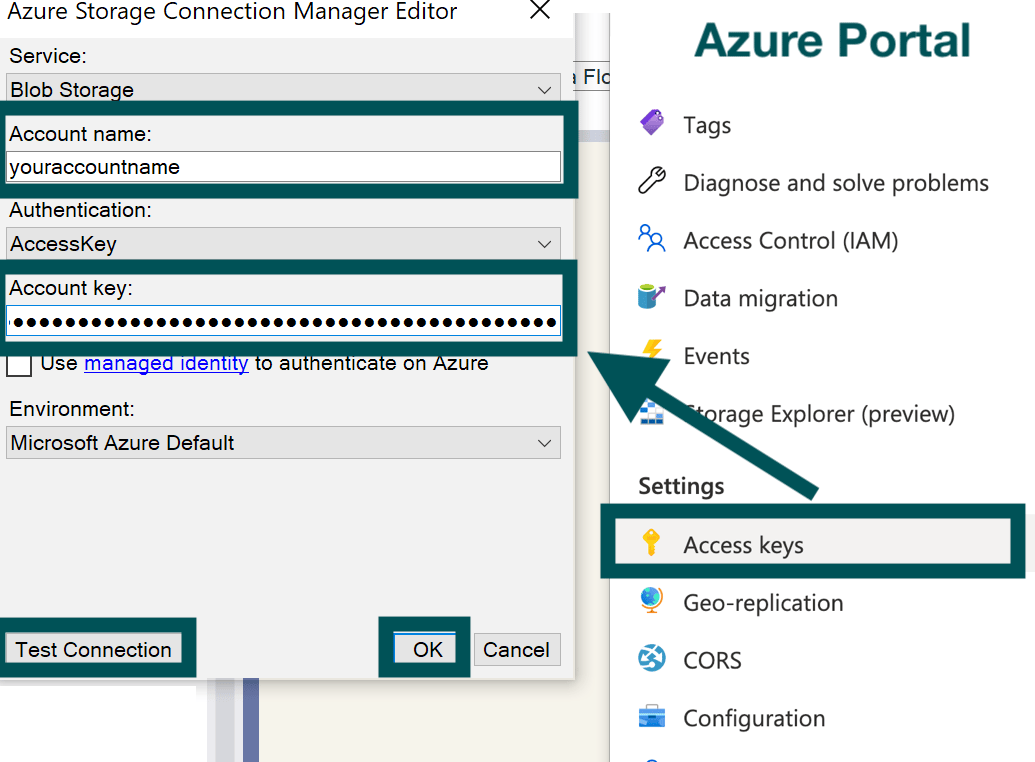
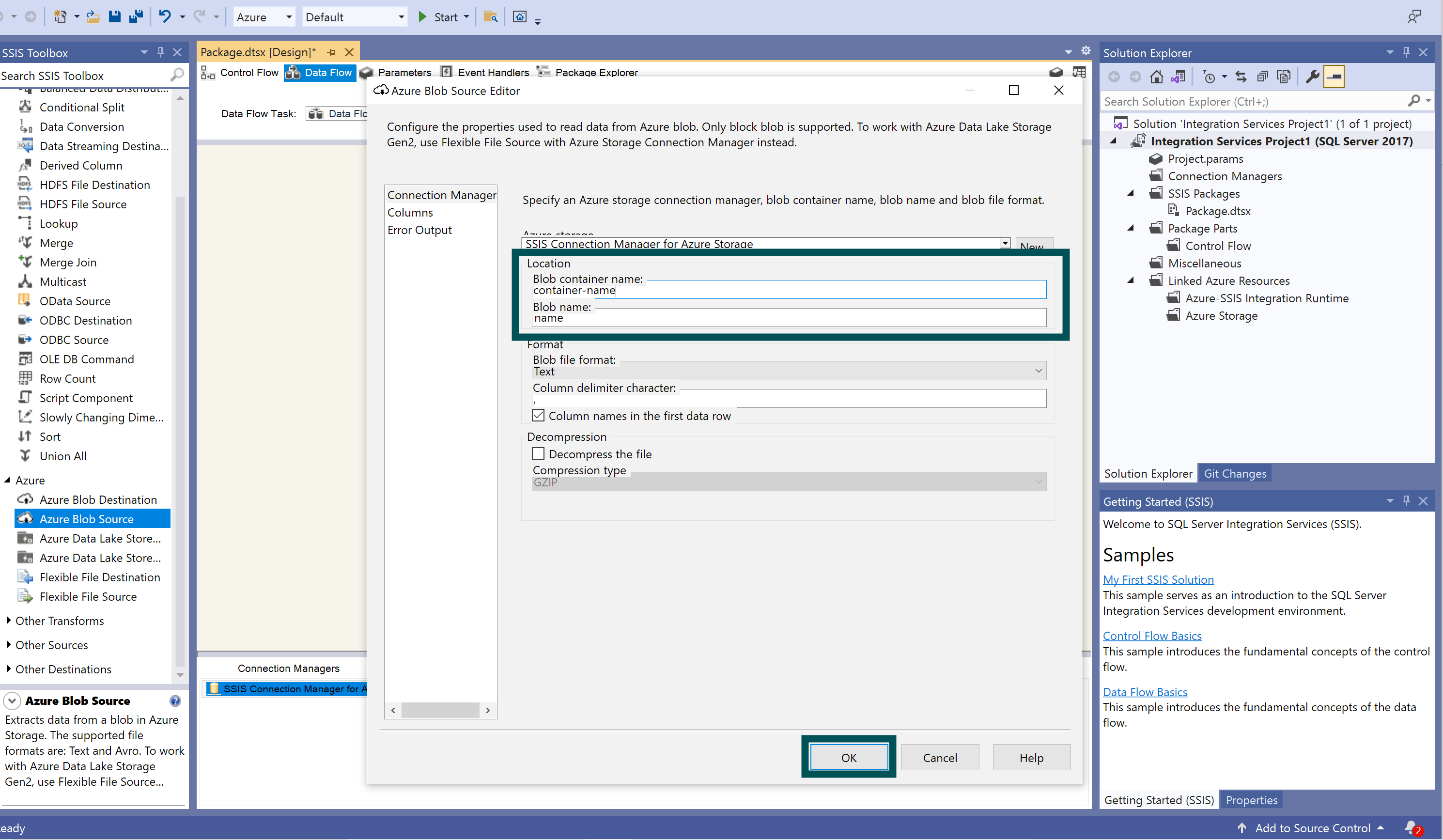 12. Scroll down the “Toolbox” on the left. Under “Other Destinations,” click “SQL Server Destination” and drag it to the center of the screen.
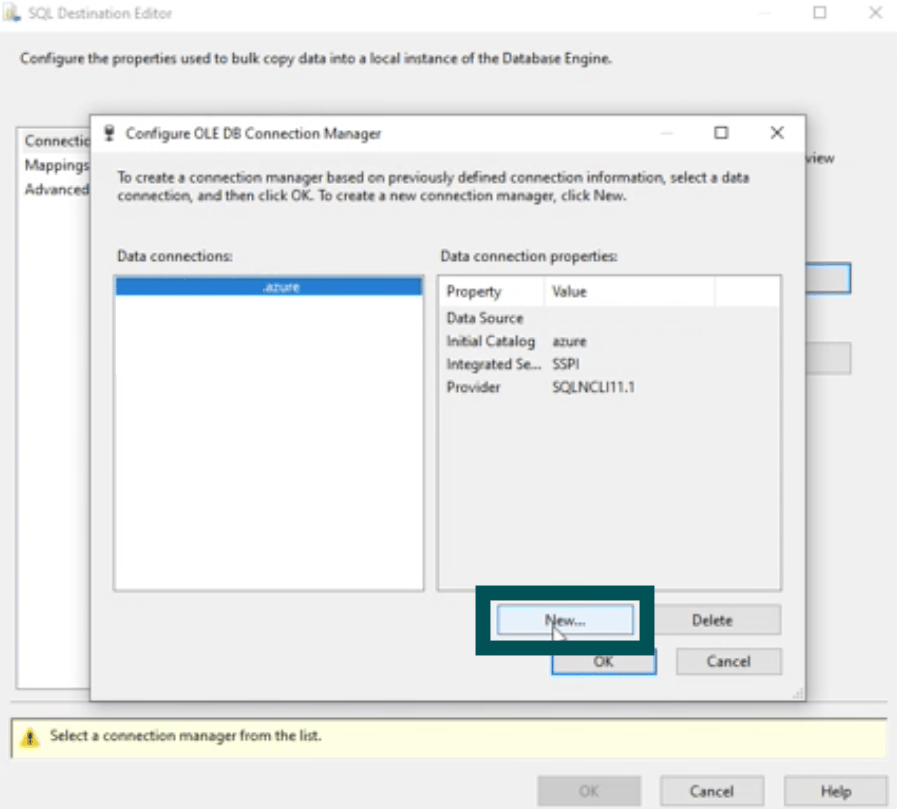
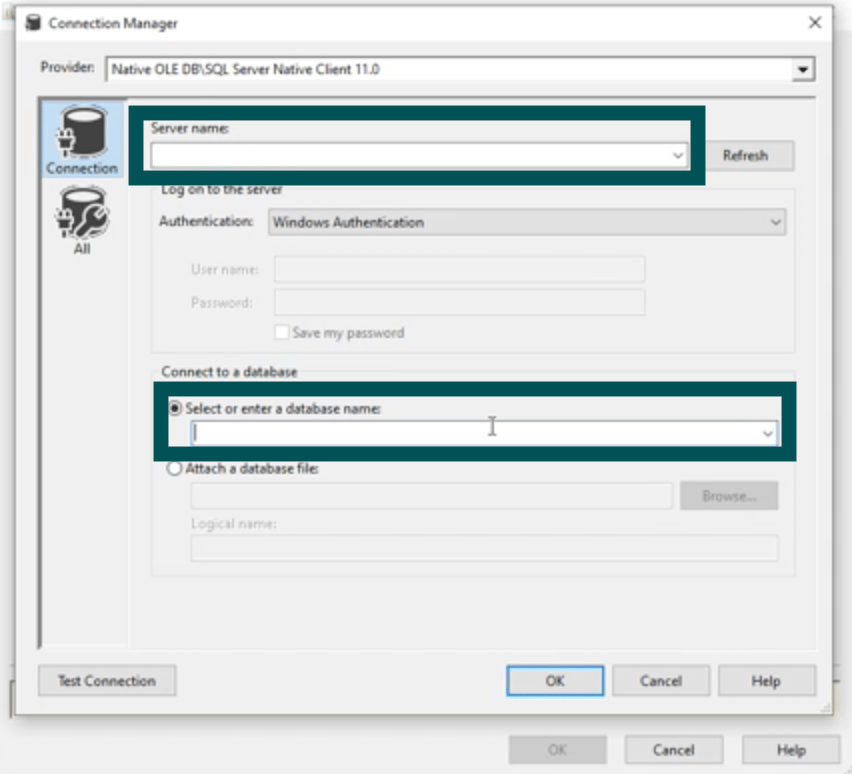
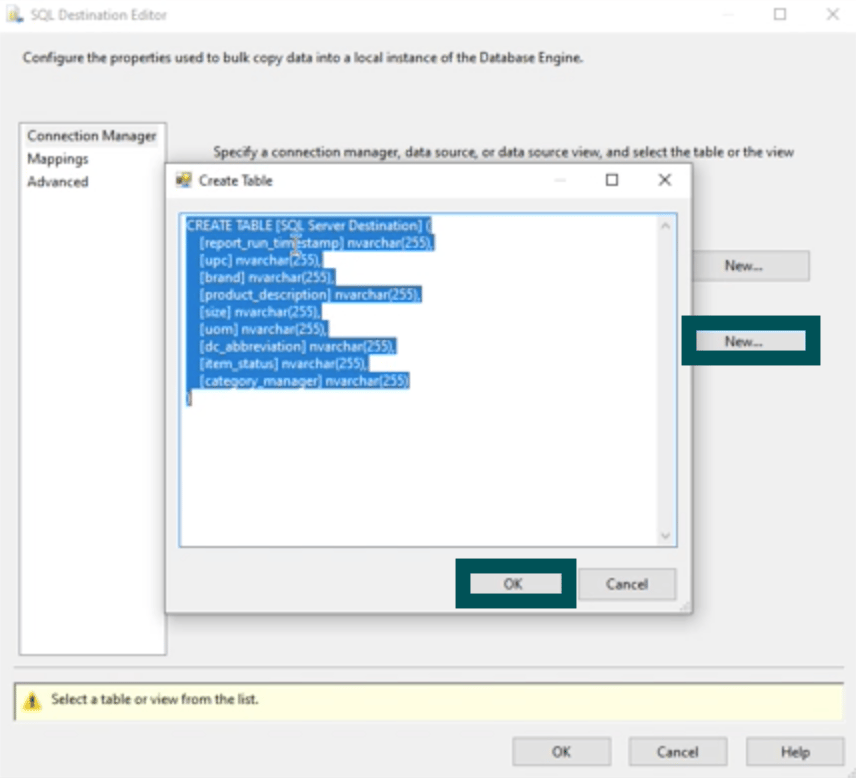
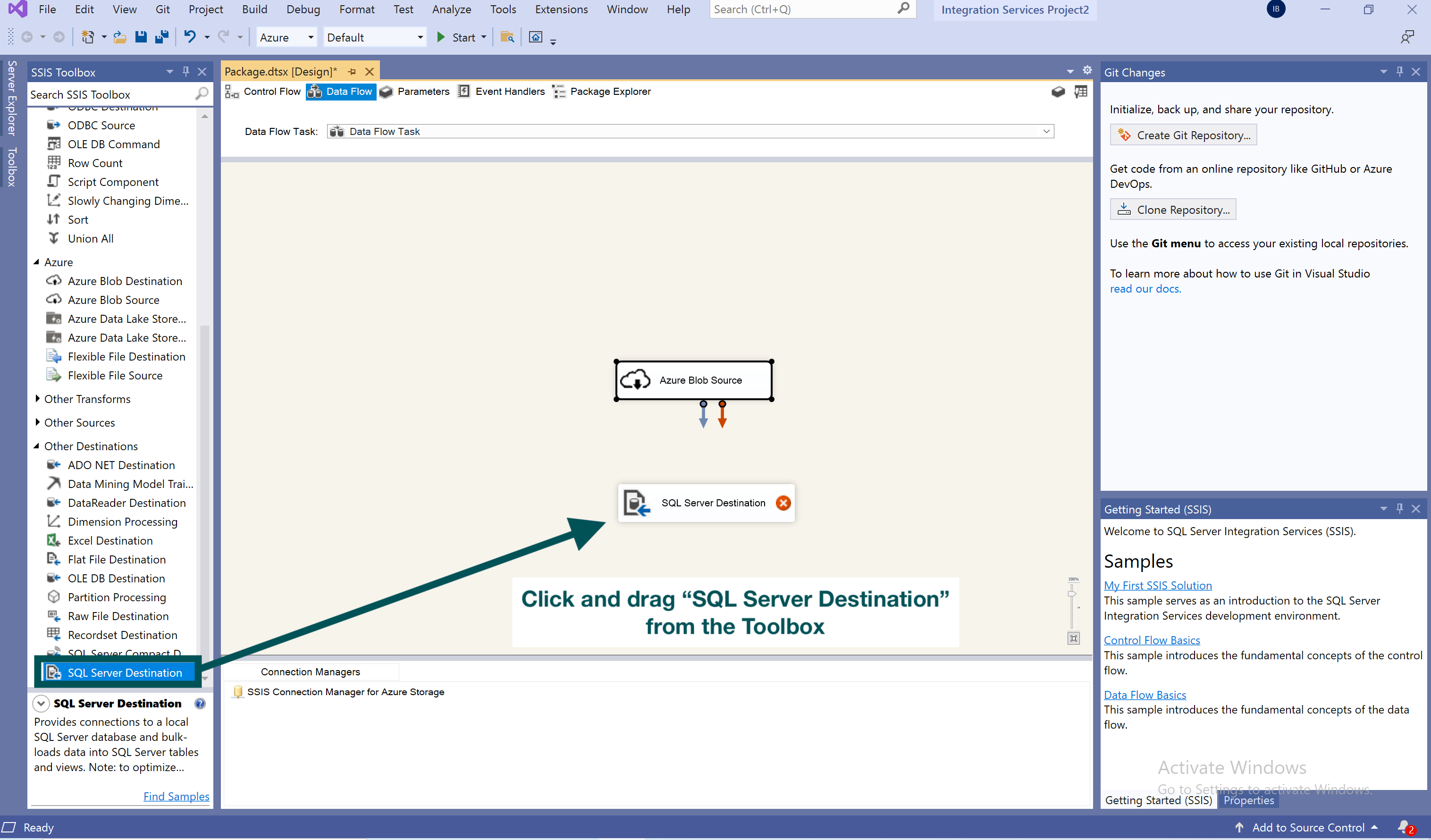 14. Double click on the “SQL Server Destination” box.